

Map the site
Check stream access, camera placement and coverage. Define boxes, work zones and blind spots.
MAXIP / EXPLORE
Explore the detailed workflow, deployment choices and additional operating scenarios.
Talk about your projectEXPLORE THE OUTCOMES
Choose an industry and scenario. Compare normal activity, a review-worthy exception and a loss of camera visibility.
Compare an on-time feeding visit with a round that needs checking.
Four chapters · generated scenes where available + animated explanations. No live inference. Watch original scene ↗
Example routine: grooms bring hay at 08:00 to a barn with five boxes on either side. Alert timing and any grace period are configured for the site.
STEP 01 / OBSERVATION
A horse is visible at the feeder and a staff member passes nearby. The feed placement is obscured in this illustrative clip.
Custom pilot requiring labelled site examples. Video alone does not establish feed quantity, nutrition, animal health or a named person’s identity.
WATCH THE WORKFLOW
Press play, or choose a chapter. Follow one routine through the four layers of Field Intelligence.
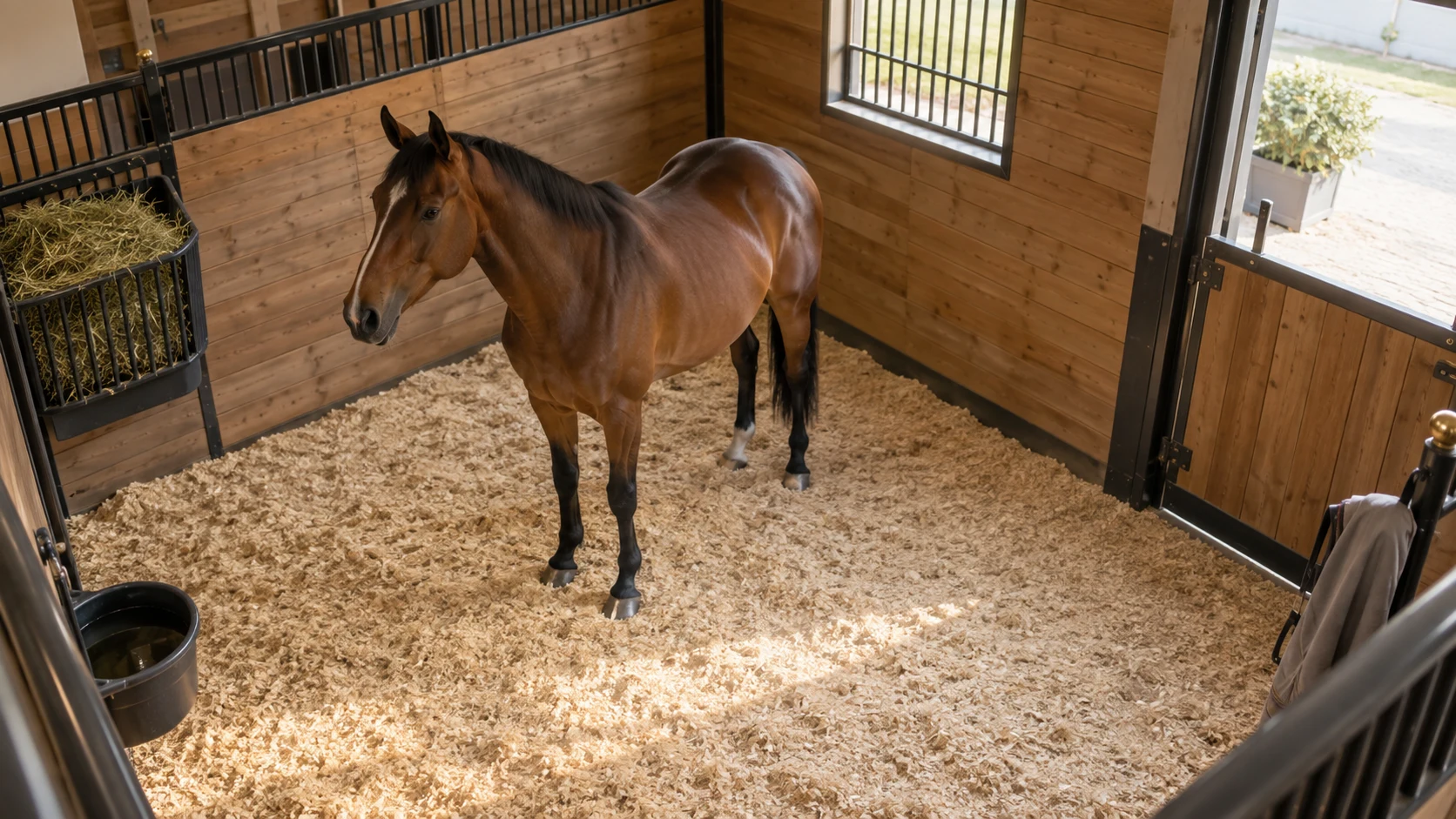
01 / CAMERA INPUT
An existing, compatible camera provides the view. The workflow starts with a defined observation zone and a scheduled routine.
Illustrative walkthrough. Watch the film for generated scene footage and animated explanation chapters.
At 06:15, no feeding activity has been observed during the scheduled window.
Continuous example coverage, 06:00–06:15. No matching event.
Ask the stable team to confirm the feed and check the observation.
FOUR LAYERS. ONE USEFUL OUTCOME.
Computer vision observes. Rules check the routine. A local agent explains the result. People decide what happens next.
Check compatible camera streams, coverage and lighting before the pilot.
THE LOCAL COMPUTING FOUNDATION
A vendor-documented on-device computing platform for text, vision and speech workloads. Field Intelligence adds the operational workflow; performance and camera capacity need pilot validation.
TEACH IT HOW YOUR BUSINESS WORKS
Check stream access, camera placement and coverage. Define boxes, work zones and blind spots.
Provide schedules, procedures, grace periods and the people responsible for follow-up.
Review labelled examples with your team. Tune rules and detection; fine-tune or distil models where the task requires it.
Configure recipients, report channels and escalation rules. Review alert usefulness before expanding.
ONE APPROACH. DIFFERENT OPERATIONS.
Feeding windows, staff rounds and camera availability.
Opening routines, queue conditions and service-area activity.
Zone occupancy, scheduled inspections and loading-area activity.
CLEAR LIMITS. BETTER DECISIONS.
Every deployment needs site-specific validation. Vision alone does not establish feed quantity, animal health or a named employee’s identity. A missing camera signal means activity cannot be assessed. Email and WhatsApp reporting require connectivity and a configured delivery service; local inference does not make external delivery offline.